
Android app · Charyx Labs
Japa Mala Counter
Count japa with your eyes closed.
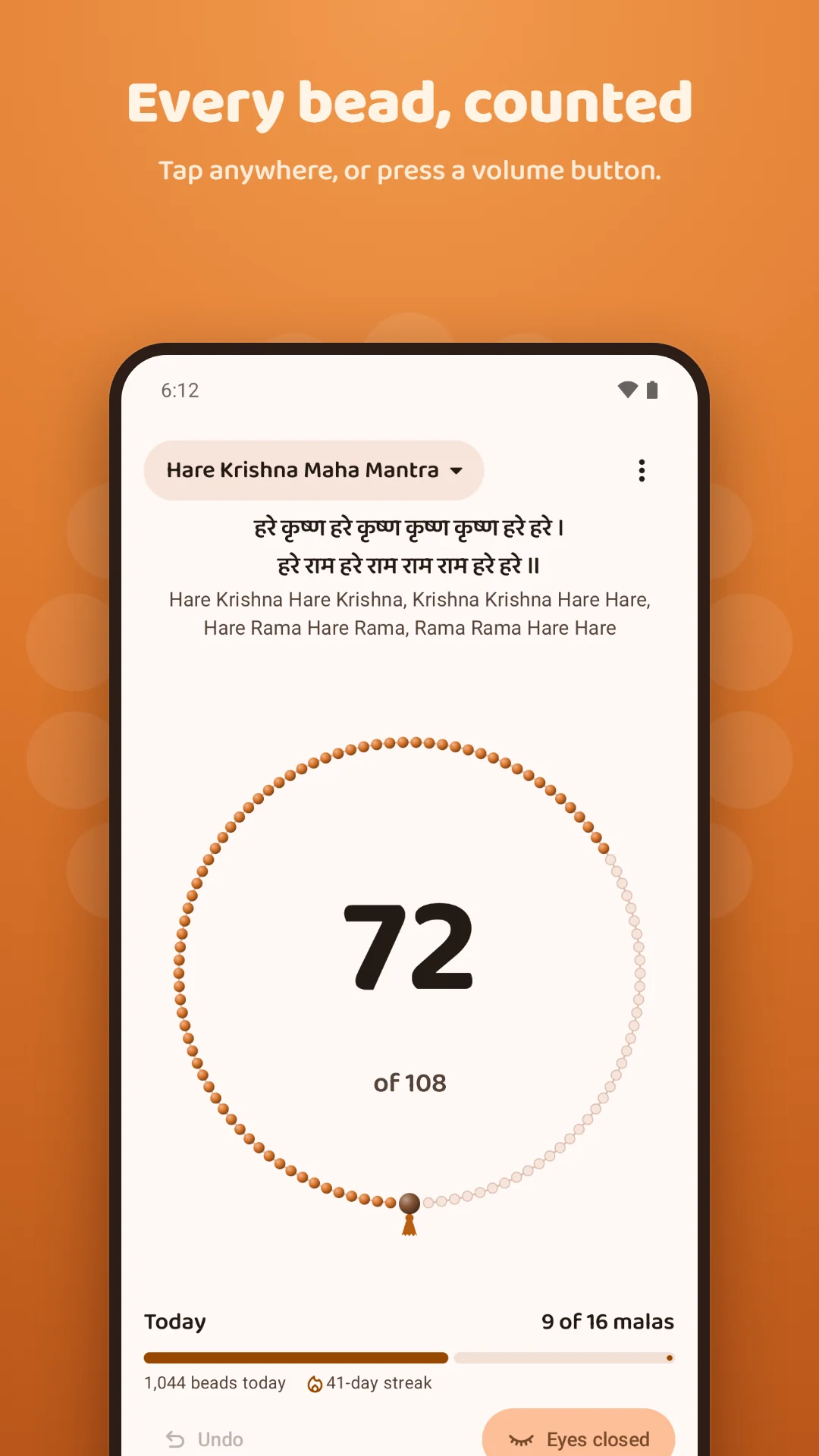
Japa Mala Counter turns your phone into a 108-bead mala. Tap anywhere or press a volume button for each bead. You feel a tick for every bead and a long double buzz at the end of each mala, so you never need to look.
Coming soon to Google Play
Watch the walkthrough →- Free
- Android 8.0 and later
- Works offline
- No account
- No data collected
Walkthrough
See Japa Mala Counter in action
A two-minute tour of Japa Mala Counter: counting a mala, eyes-closed mode, your mantras, history and streaks, the widget and reminder, privacy and backups.
- 0:00Counting a mala
- 0:28Eyes-closed mode
- 0:53Your mantras
- 1:11History and streaks
- 1:31Widget, reminder and dark theme
- 1:51Privacy and backups
What it does
What Japa Mala Counter does
Chant with your eyes closed
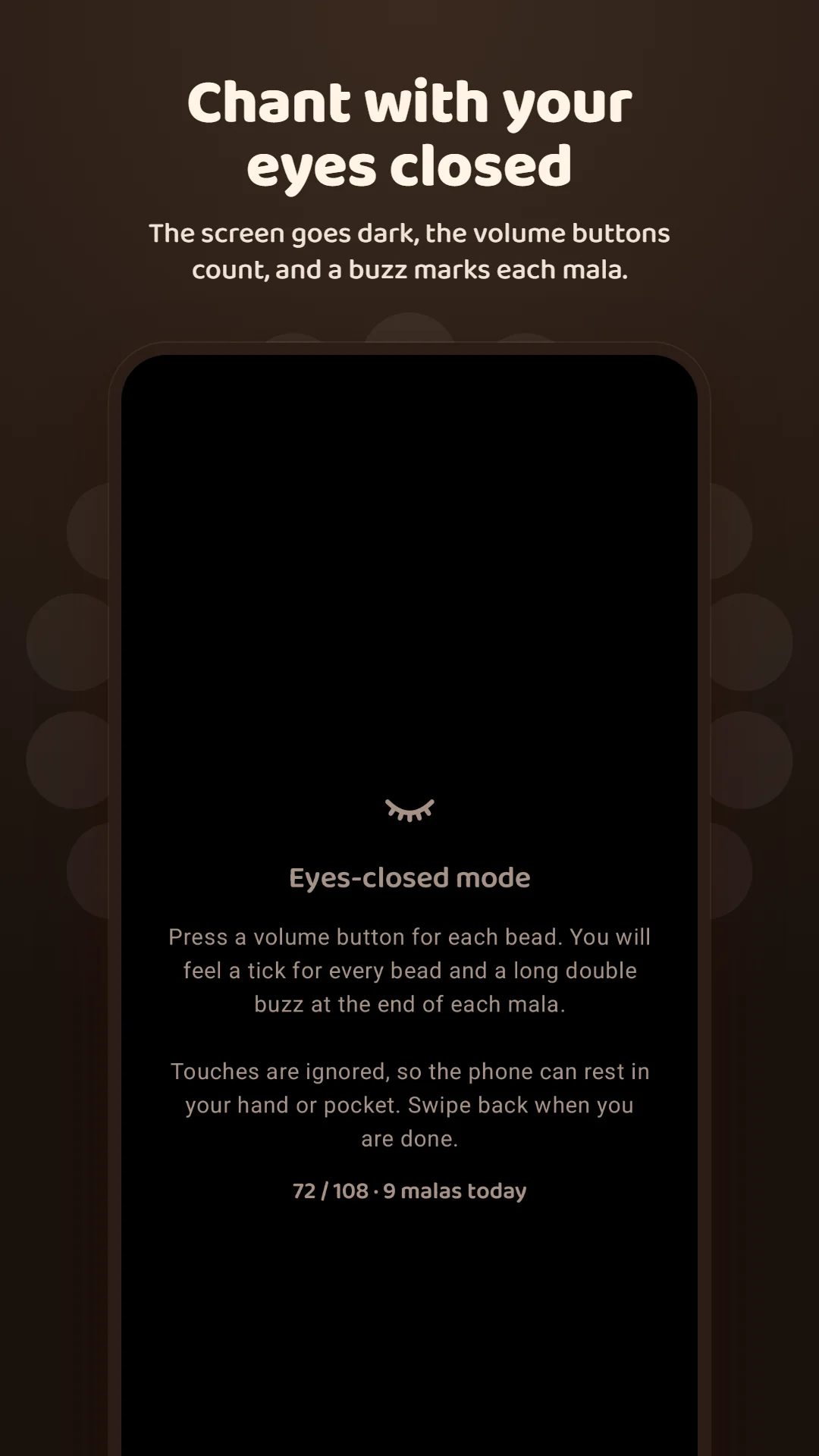
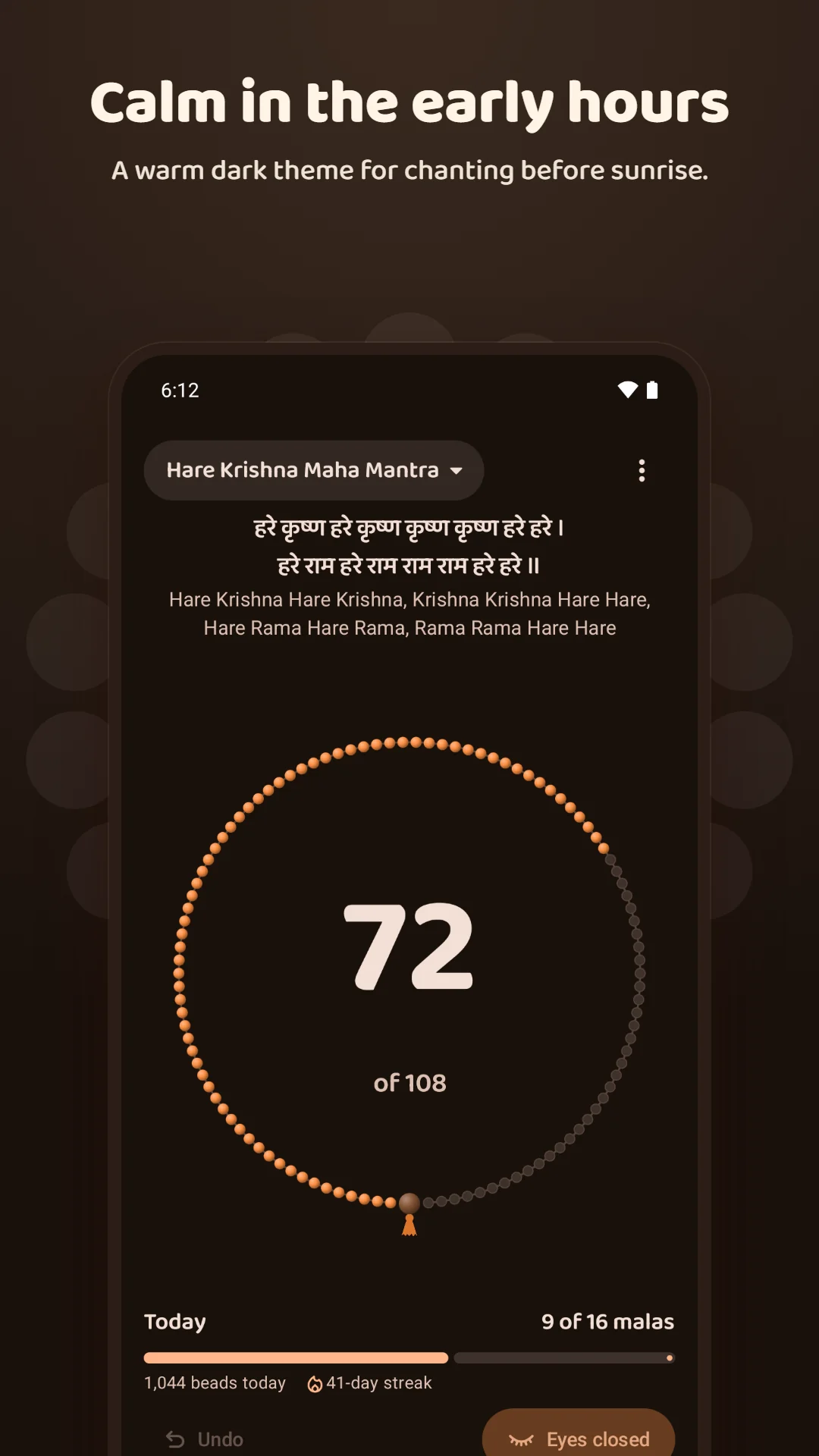
Eyes-closed mode turns the screen black and dims it right down while the volume buttons count each bead. Touches are ignored, so the phone can rest in your hand or pocket.
Feel every bead
A firm tick for each bead and a long double buzz at the end of each mala, so you always know where you are.
A real mala on screen
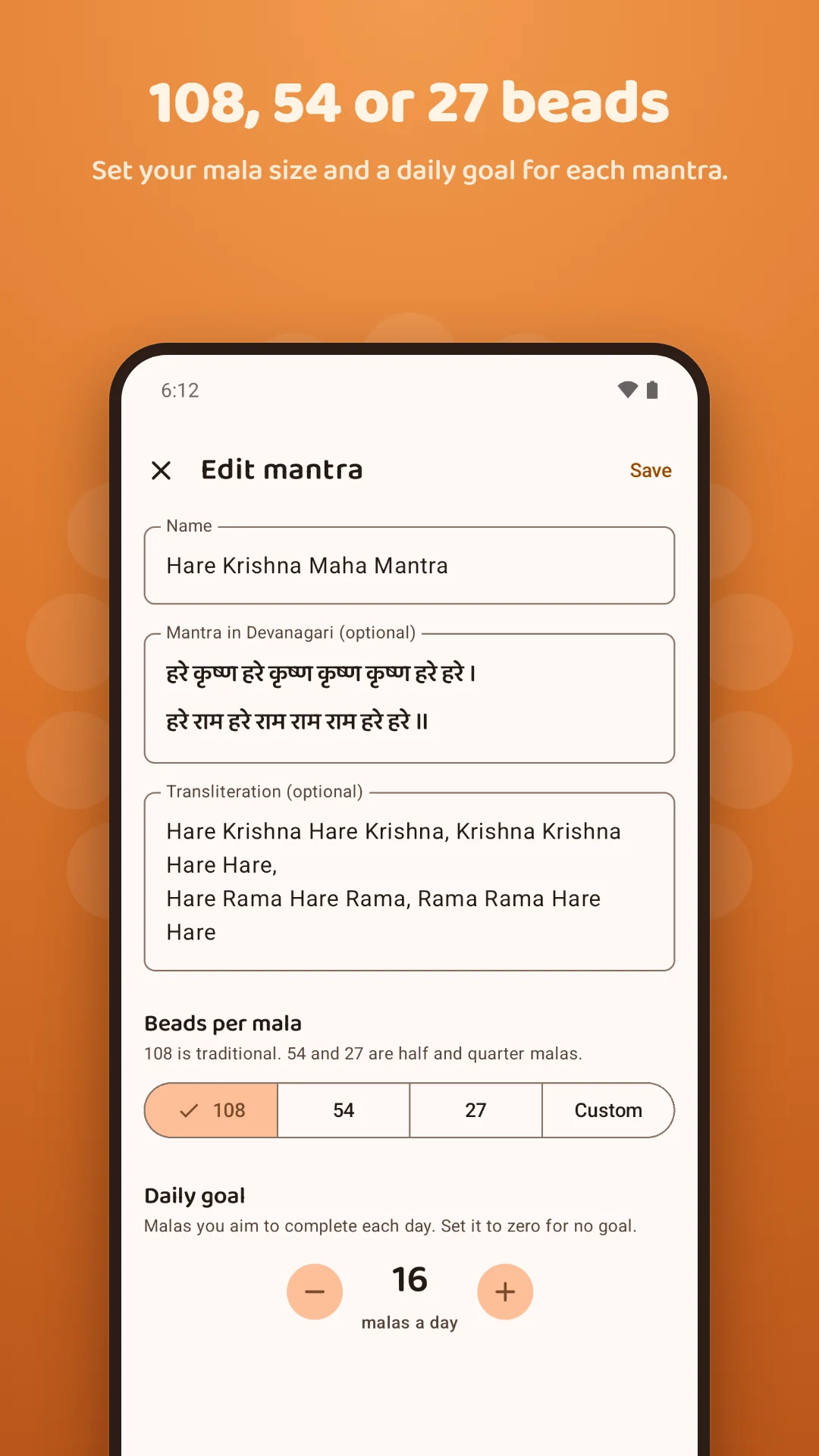
108 beads on a thread, with the guru bead and tassel. Choose 108, 54 or 27 beads, or any count, and set a daily goal such as 16 rounds.
Your mantra, in Devanagari
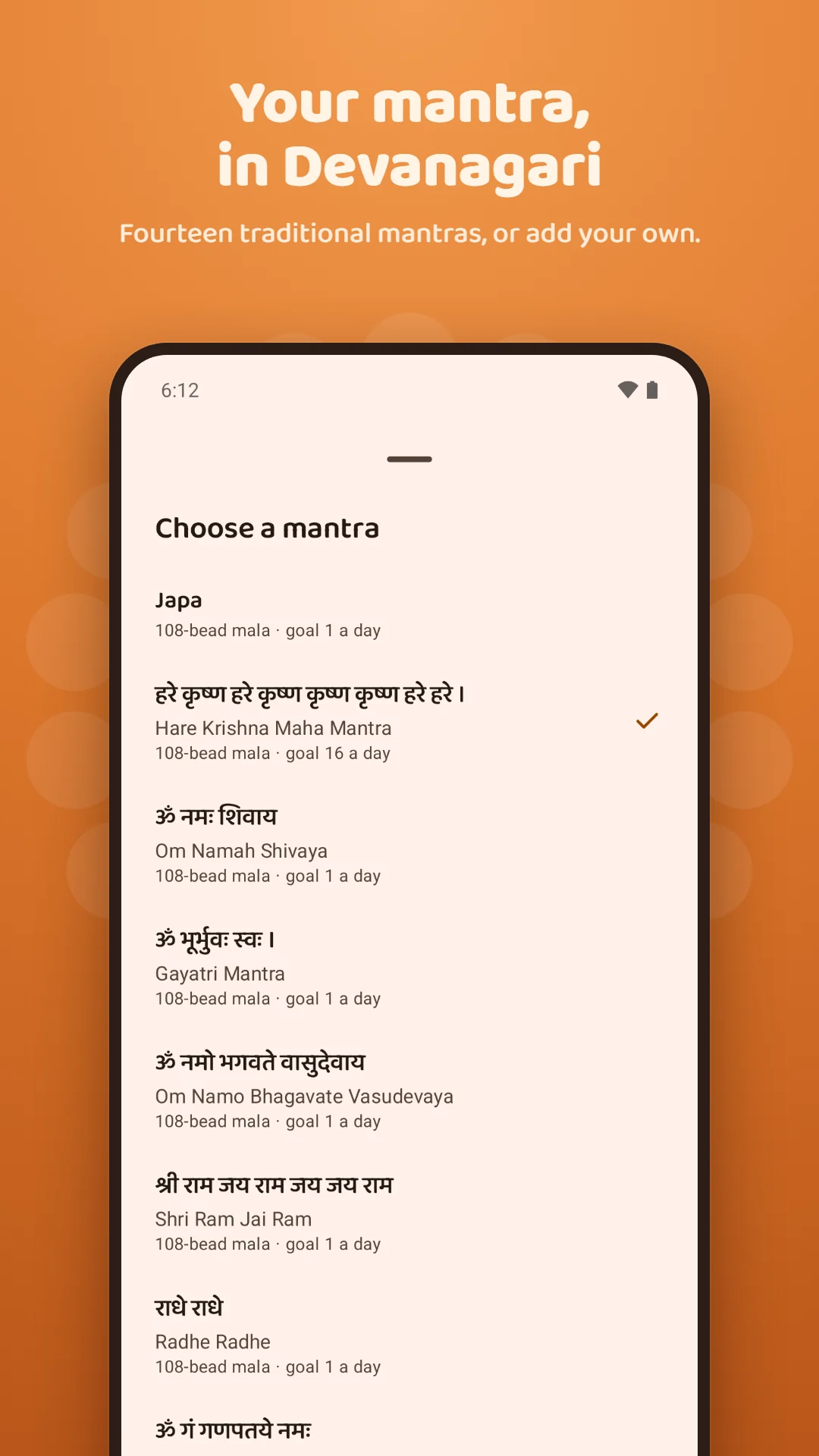
Fourteen traditional mantras with transliteration, or add your own mantra or naam jap. Each keeps its own place in the mala and its own history.
Streaks and history
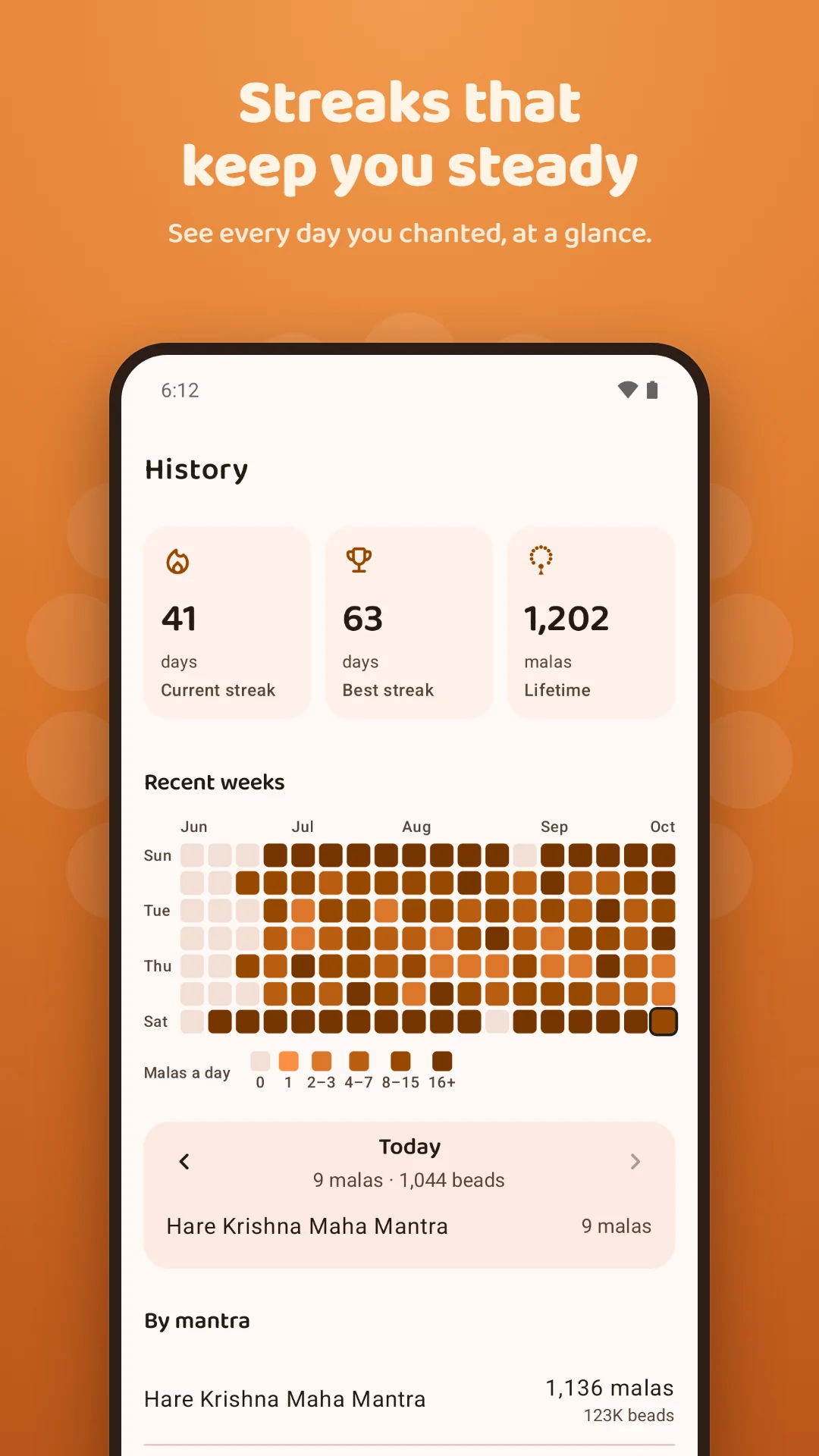
Today's malas against your goal, your current and best streaks, a lifetime total, and a calendar of every day you chanted.
Count from your home screen
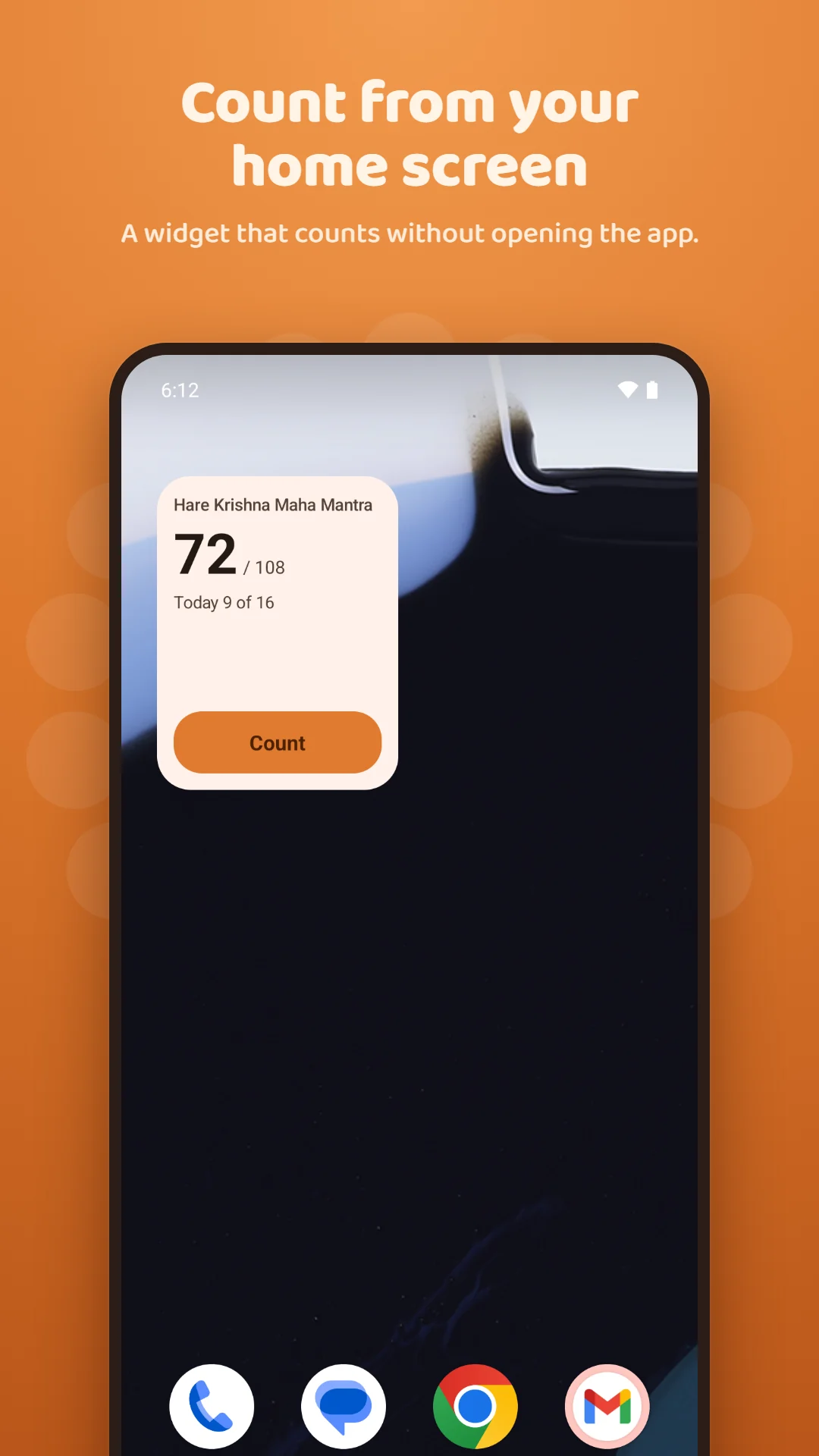
Add the widget and count beads without opening the app.
A gentle daily reminder
Choose a time, early morning or evening. The reminder skips itself on days your goal is already met.
Your data stays yours
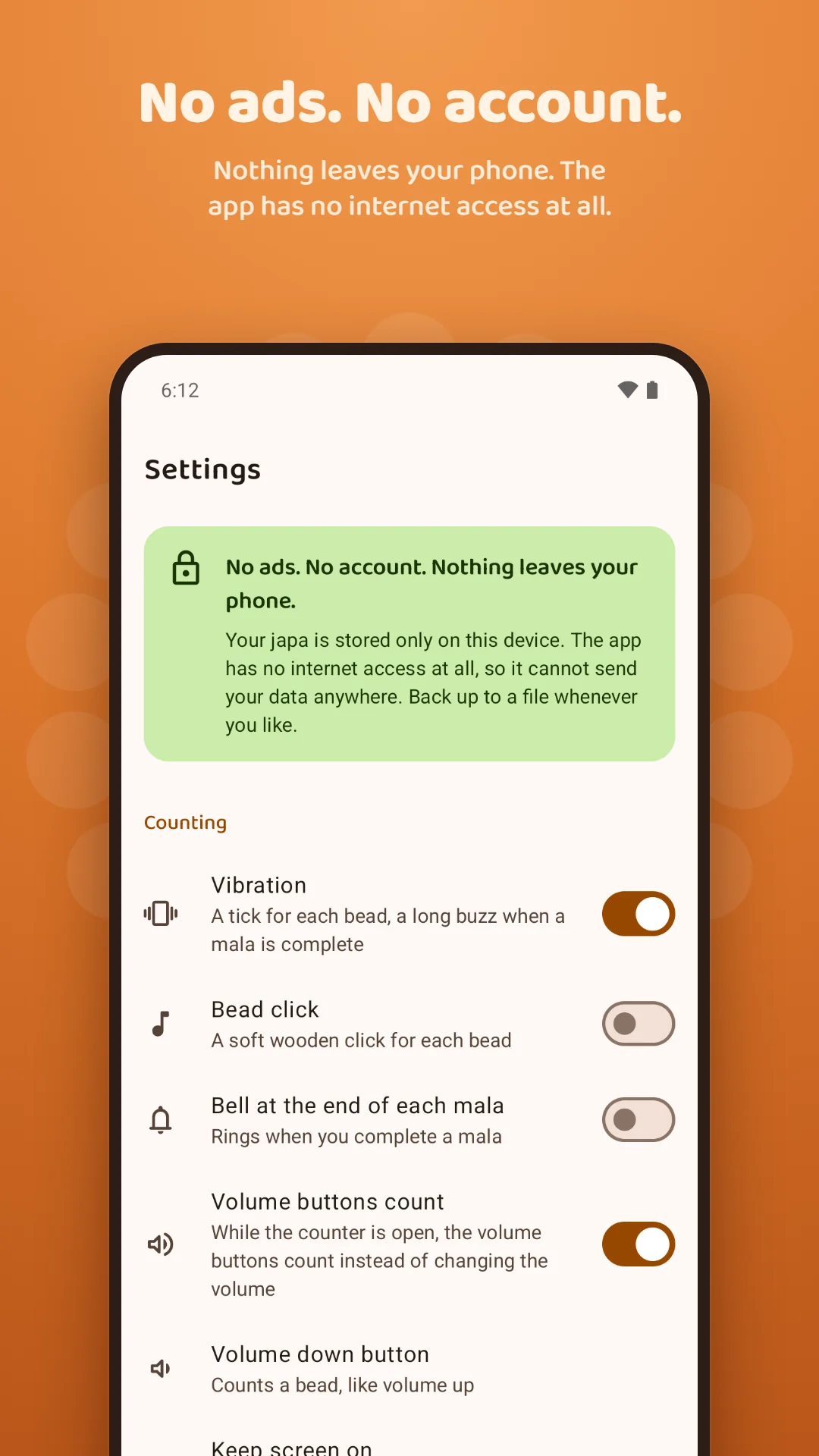
Everything is stored on your phone. Back up to a file, restore it on a new phone, or delete everything in one tap.
Screenshots
A closer look
Privacy
Nothing leaves your phone
Japa Mala Counter has no internet access at all and collects nothing. Your mantras, bead counts, daily totals, streaks and settings are stored only on your device.
Read the privacy policy, see how to delete your data, or get help and support.
Questions
Can I count japa without looking at my phone?
Yes. Eyes-closed mode turns the screen black and dims it right down, and each press of a volume button counts a bead. You feel a tick for every bead and a long double buzz at the end of each mala.
Does the screen switch off in eyes-closed mode?
It stays on, but black and at the lowest brightness, so the volume buttons keep counting. Touches are ignored, so the phone can rest in your hand or pocket.
Does it work offline?
Always. The app has no internet access at all, so it works the same with or without a connection.
What data does it collect?
None. Your mantras, counts and streaks stay on your phone. There is no account, no analytics and no ads.
Which mantras are included?
The Hare Krishna maha mantra, Om Namah Shivaya, the Gayatri mantra, Om Namo Bhagavate Vasudevaya, Shri Ram Jai Ram, Radhe Radhe, Om Gam Ganapataye Namah, the Mahamrityunjaya mantra, Om Namo Narayanaya, Om Shri Hanumate Namah, Om Sai Ram, Swaminarayan, Shri Krishna Sharanam Mama and Om, each in Devanagari with transliteration. You can add your own.
Can I log malas I chanted on a physical mala?
Yes. Add them to today, so your goal and streak stay accurate.
How do I move my history to a new phone?
Save a backup file from Settings and restore it on the new phone. On Android 12 and later, Android's own phone-to-phone transfer brings it across too.
Is it free?
Yes. Free, with no ads and no account.
Japa Mala Counter is made by Charyx Labs.