
Android app · Charyx Labs
Rosary Counter & Guide
Pray the rosary, bead by bead.
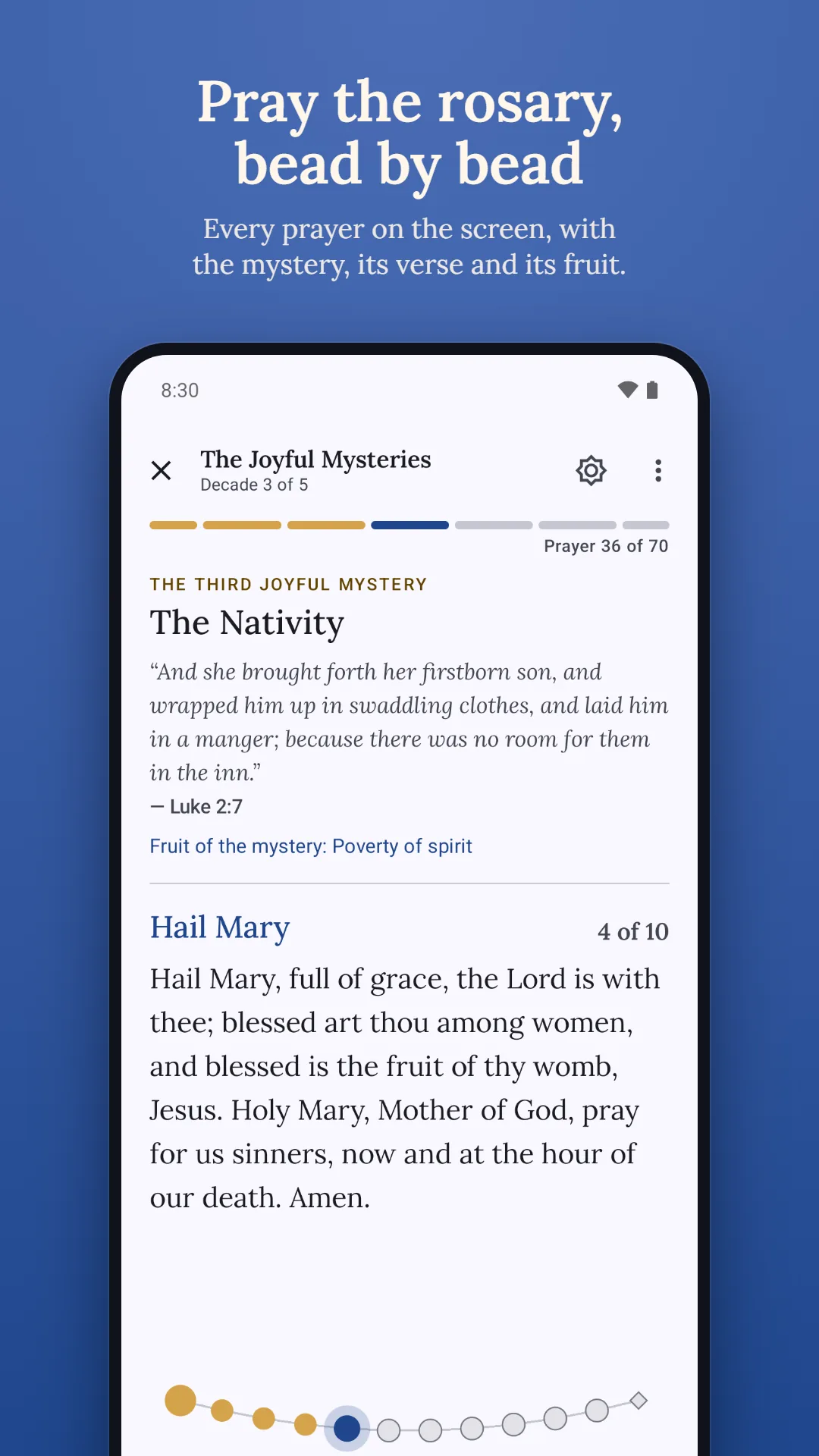
Rosary Counter & Guide leads you through the Holy Rosary, prayer by prayer, with today's mysteries and the Church's liturgical calendar. Move on with a tap or a volume button, and feel a gentle pulse for each prayer and a longer one at the end of each decade.
Coming soon to Google Play
Watch the walkthrough →- Free
- Android 8.0 and later
- No ads, ever
- No account
- No data collected
Walkthrough
See Rosary Counter & Guide in action
A two-minute tour of Rosary Counter & Guide: praying the rosary, the Church's day and calendar, the guide to the mysteries and prayers, the widget, reminder and dark theme, privacy and backups.
- 0:00Praying the rosary
- 1:02The Church's day and calendar
- 1:25The guide: mysteries and prayers
- 1:36Widget, reminder and dark theme
- 1:56Privacy and backups
What it does
What Rosary Counter & Guide does
Every prayer, bead by bead
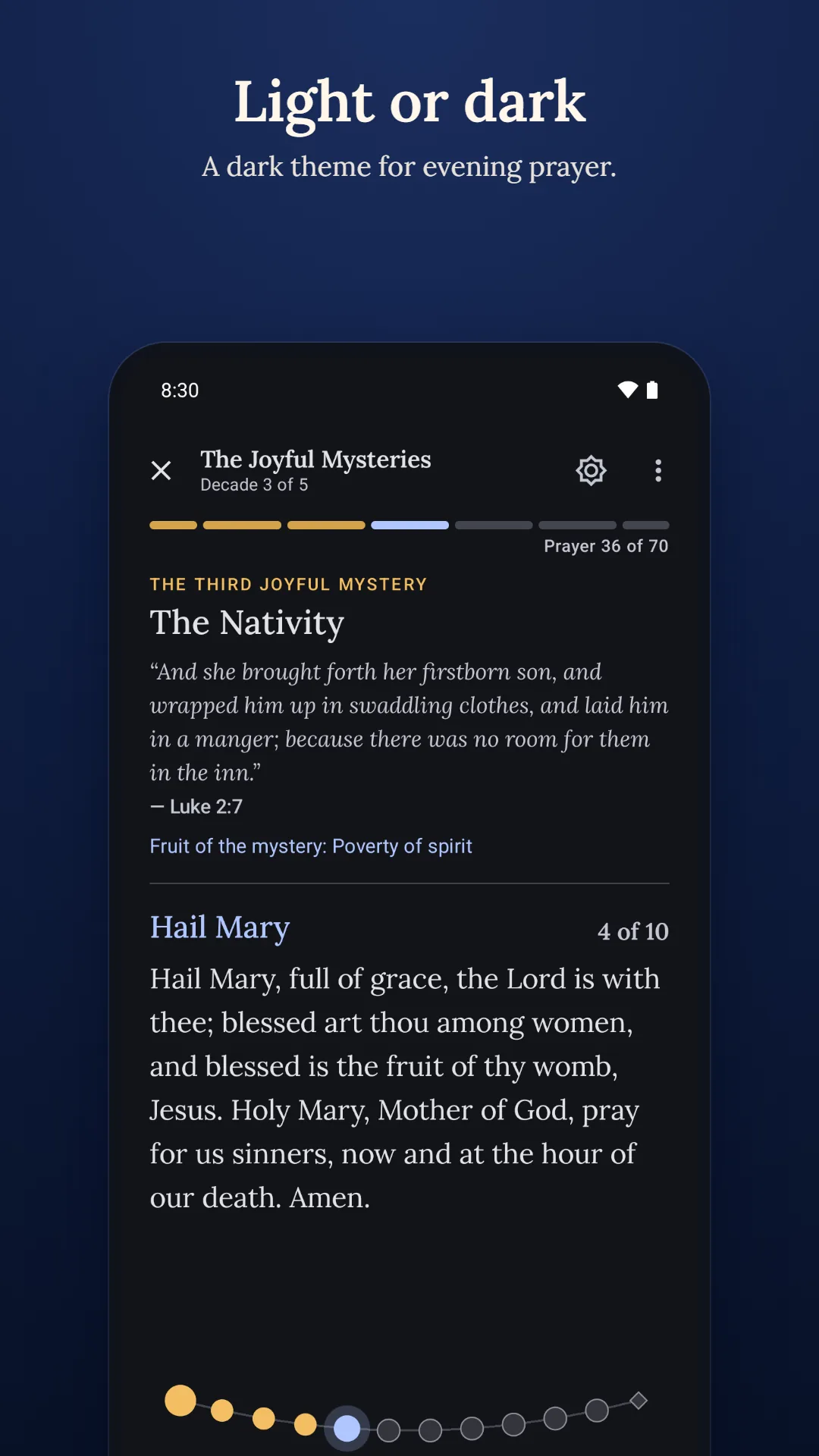
Every prayer is on screen in its traditional words, from the Sign of the Cross and the Apostles' Creed to the Hail, Holy Queen. Move on with a tap, the Next button or a volume button.
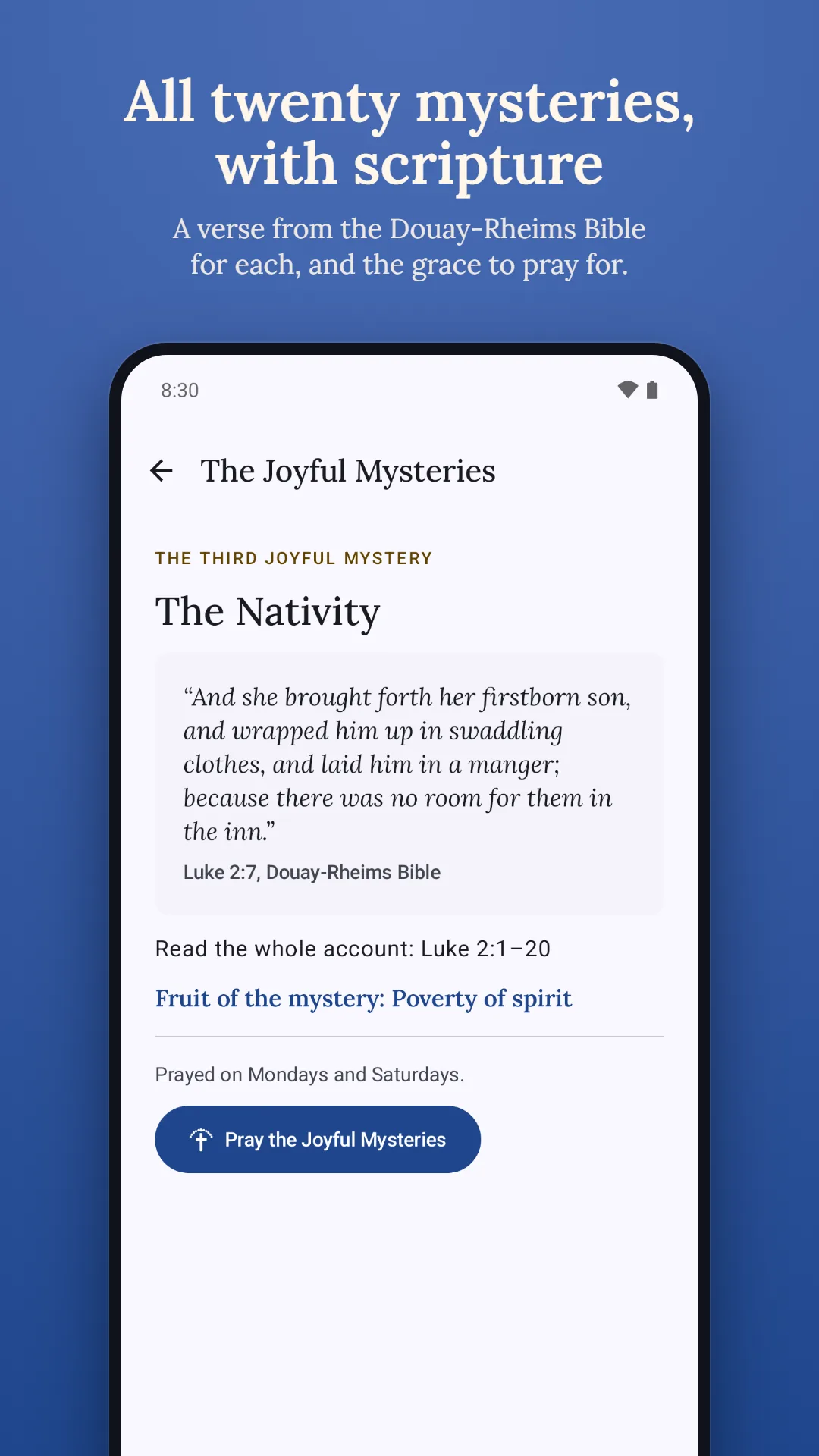
Each decade opens with its mystery
The mystery, a verse from the Douay-Rheims Bible and the fruit of the mystery, before the Our Father of each decade.
Feel where you are
A gentle pulse for each prayer and a longer one at the end of each decade, so you can pray along without looking.
Pray in the dark, or along your own beads
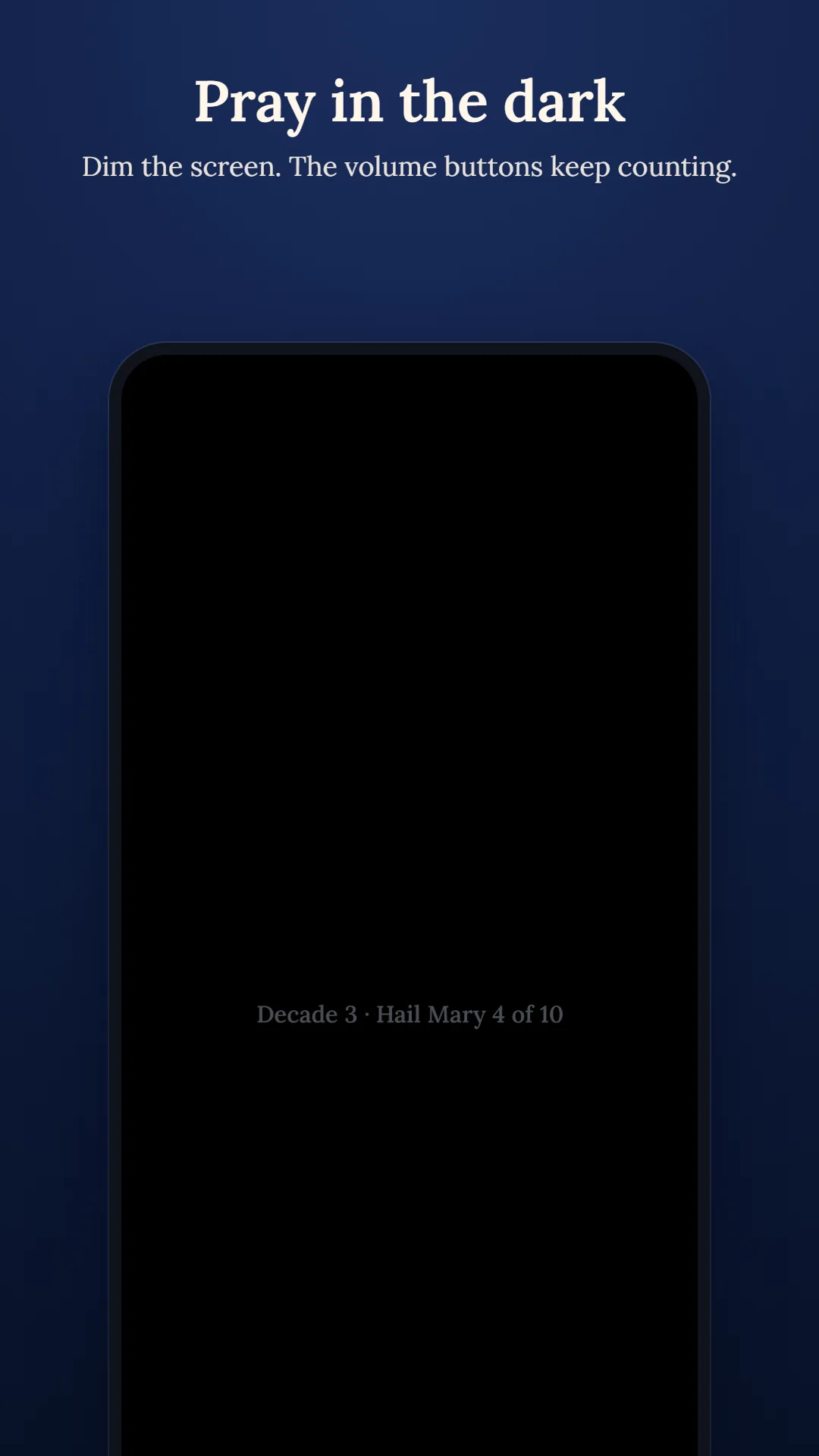
Dim the screen and keep counting with the volume buttons. Already prayed two decades on your beads? Go straight to the third.
Today's mysteries and the liturgical day
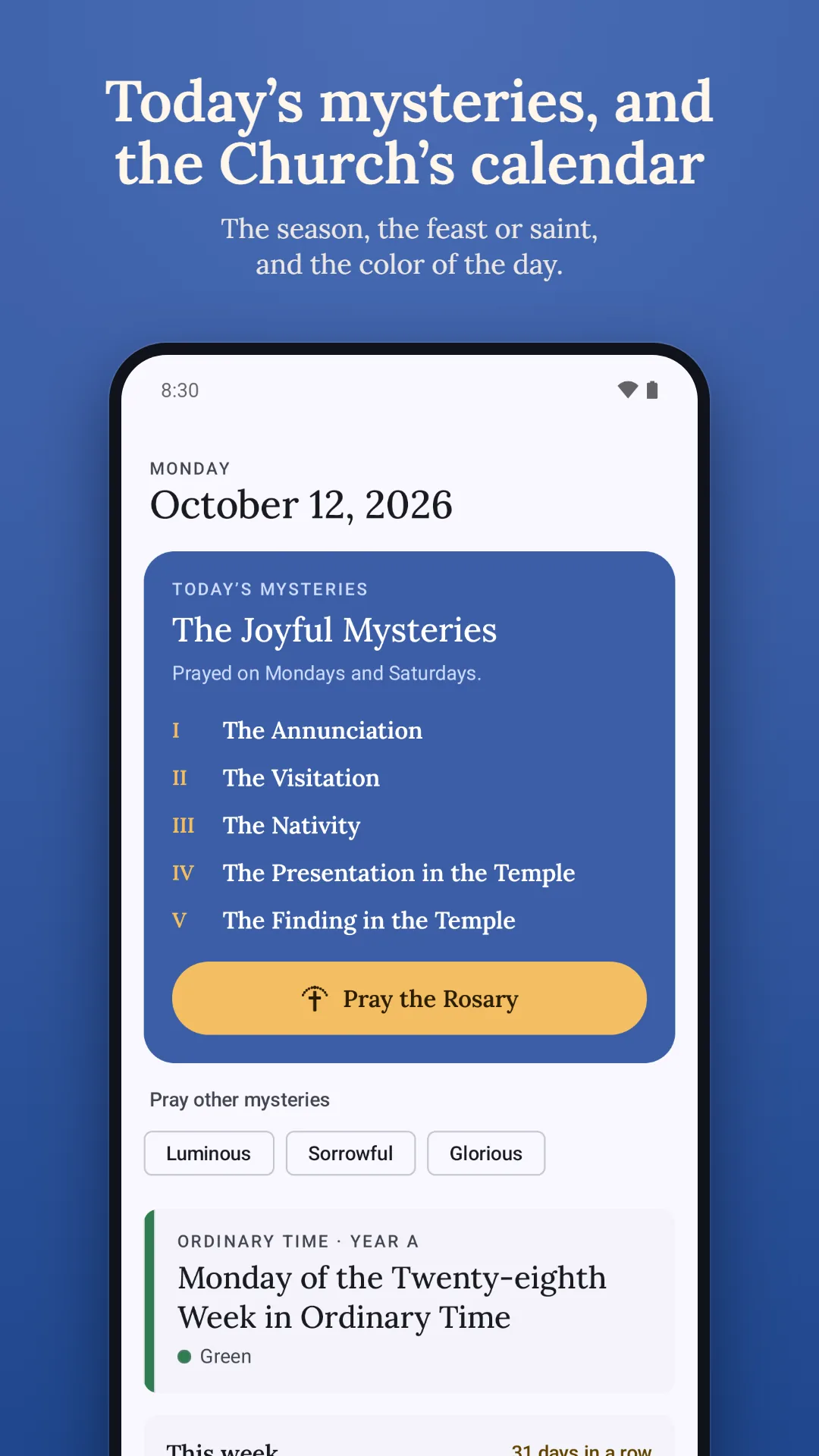
Today's mysteries by St John Paul II's week or the traditional one, and the day in the Church's calendar: the season, the feast or saint and the liturgical color, worked out on your phone from the General Roman Calendar.
A calendar that remembers your prayer
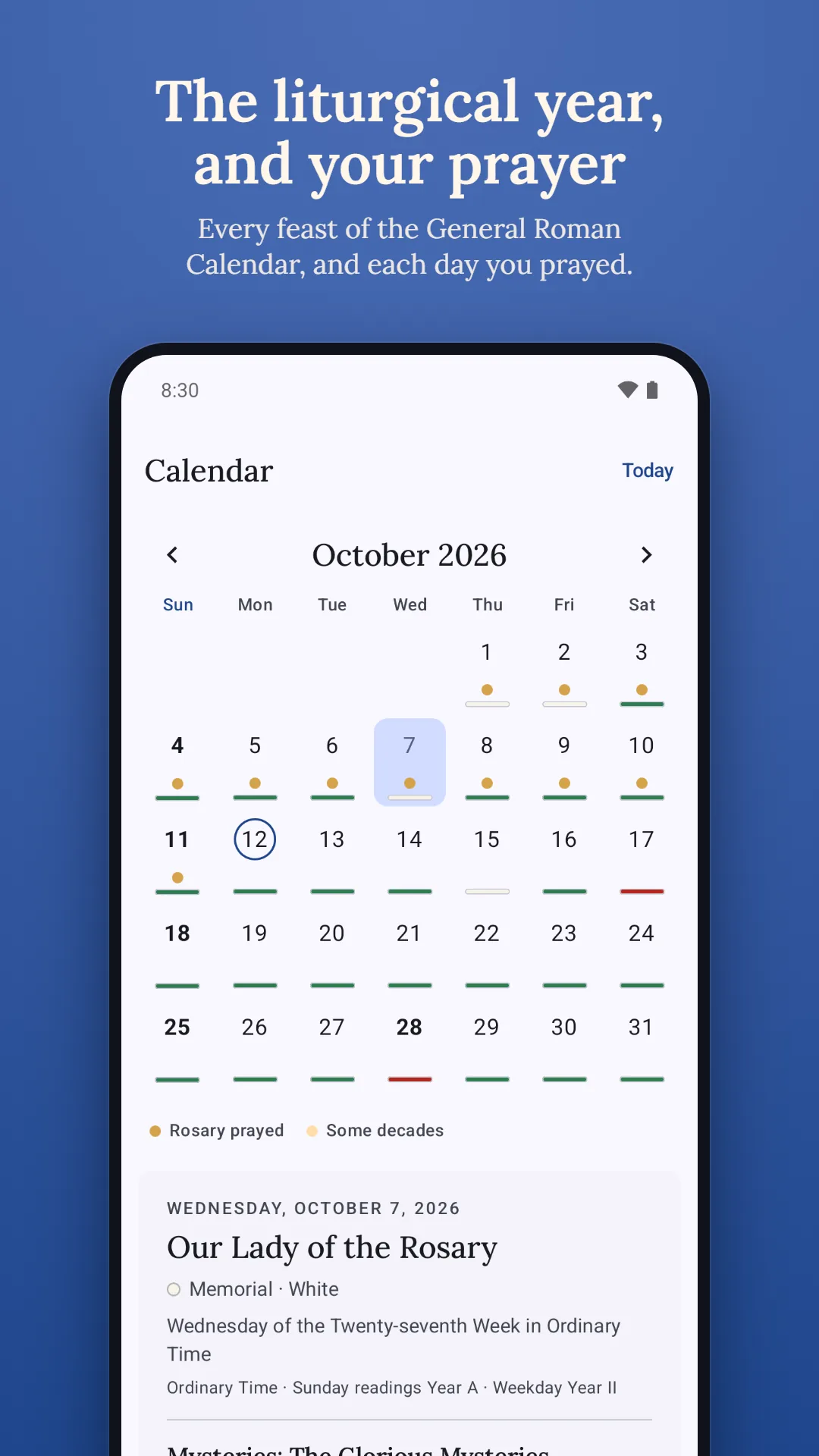
The month at a glance, with each day's color and the days you prayed. Add a rosary you prayed without the app, and keep a gentle streak.
Pray from your home screen
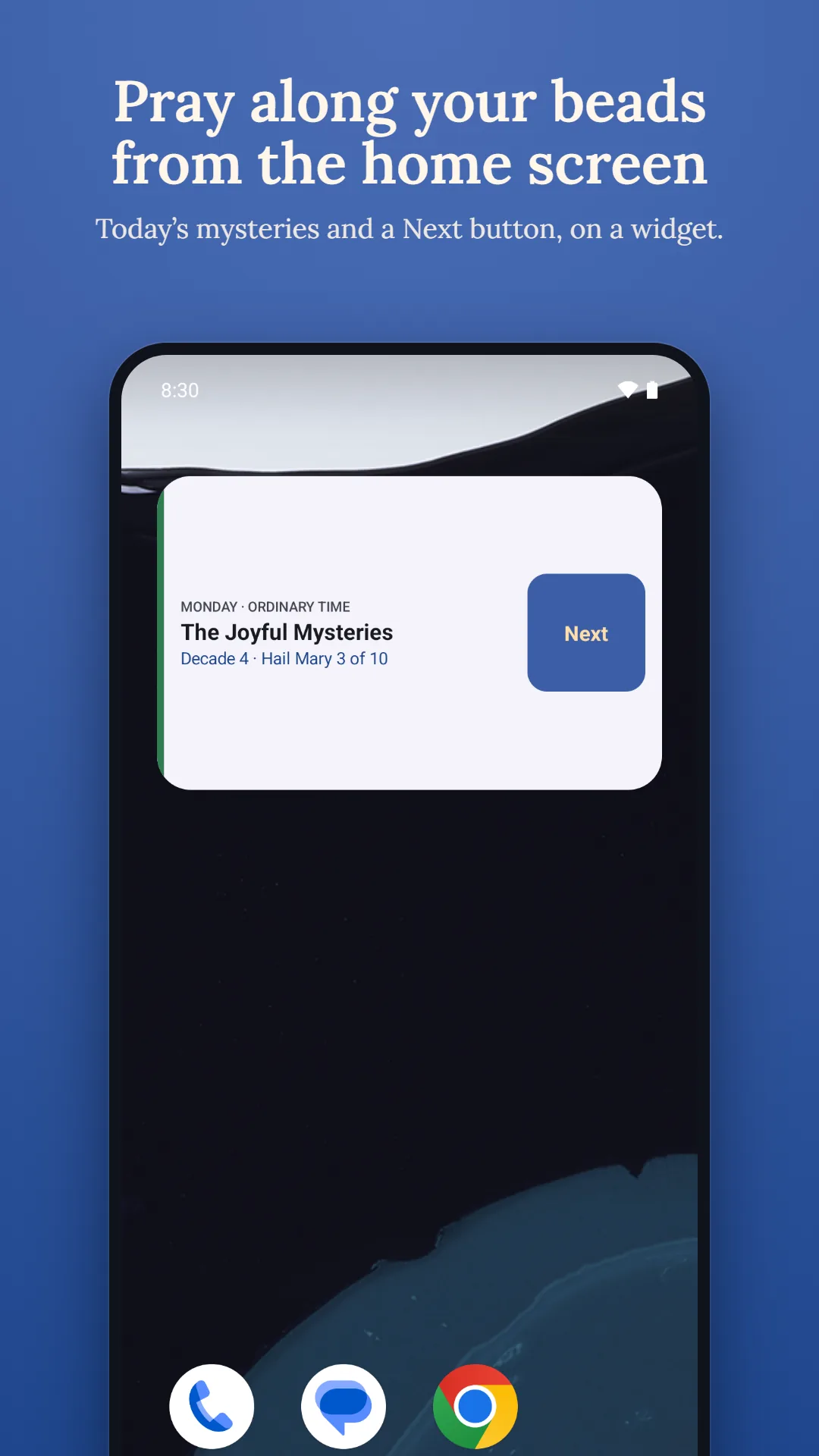
Today's mysteries on a widget, with a Next button to pray along your beads without opening the app.
Your data stays yours
Everything is stored on your phone. Back up to a file, restore it on a new phone, or delete everything in one tap.
Screenshots
A closer look
Privacy
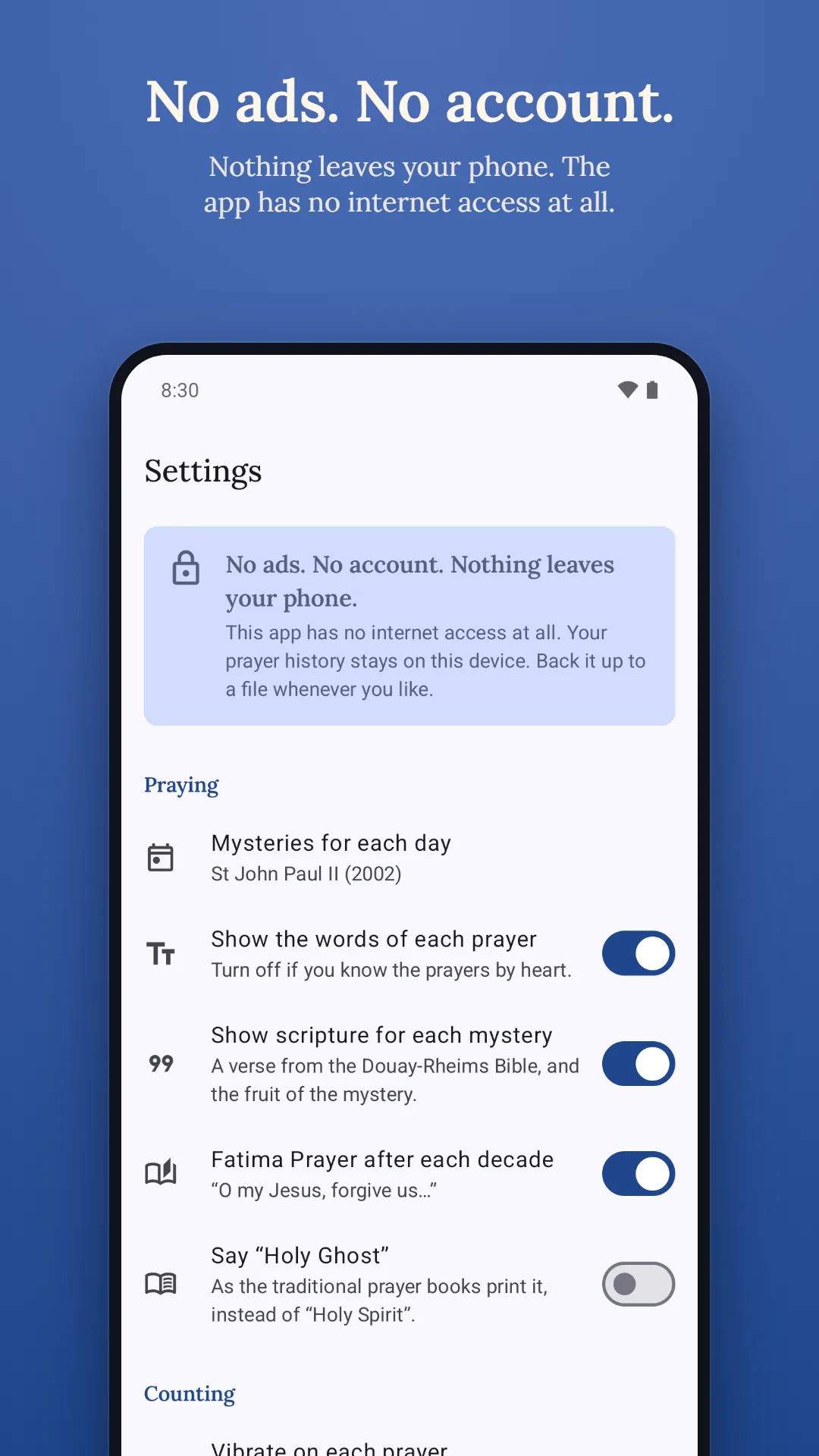
Nothing leaves your phone
Rosary Counter & Guide has no internet access at all and collects nothing. Your prayer history (the rosaries and decades you prayed each day), your place in a rosary you have not finished, and your settings are stored only on your device. The phone's region, read on the device from its language settings, only chooses which Sunday the Epiphany, the Ascension and Corpus Christi fall on by default; it is not stored or sent.
Read the privacy policy, see how to delete your data, or get help and support.
Questions
Does it have every prayer of the rosary?
Yes: the Sign of the Cross, the Apostles' Creed, the Our Father, the Hail Mary, the Glory Be, the Fatima Prayer if you wish, the Hail, Holy Queen and the closing prayer, in their traditional English words.
Which mysteries do I pray today?
The app shows today's mysteries by St John Paul II's week: Joyful on Monday and Saturday, Sorrowful on Tuesday and Friday, Glorious on Wednesday and Sunday, and Luminous on Thursday. You can switch to the traditional week, or pray any mysteries you choose.
Can I pray without looking at the screen?
Yes. Press a volume button to move to the next prayer. You feel a short pulse for each prayer and a longer one at the end of each decade, and you can dim the screen while you pray.
Does it show the liturgical calendar?
Yes. The app works out the General Roman Calendar on your phone: the season, the feast or saint of the day and its liturgical color, with the Sunday transfers usual in your region. Your diocese's own calendar comes first.
Can I add a rosary I prayed without the app?
Yes. Open the day in the calendar and add it, and your streak carries on.
Does it work offline?
Always. The app has no internet access at all, so it works the same with or without a connection.
What data does it collect?
None. Your prayer history stays on your phone. There is no account, no analytics and no ads.
How do I move my history to a new phone?
Save a backup file from Settings and restore it on the new phone. On Android 12 and later, Android's own phone-to-phone transfer brings it across too.
Is it free?
Yes. Free, with no ads, ever, and no account.
Rosary Counter & Guide is made by Charyx Labs.