
Android app · Charyx Labs
Knitting Row Counter
Never lose your row.
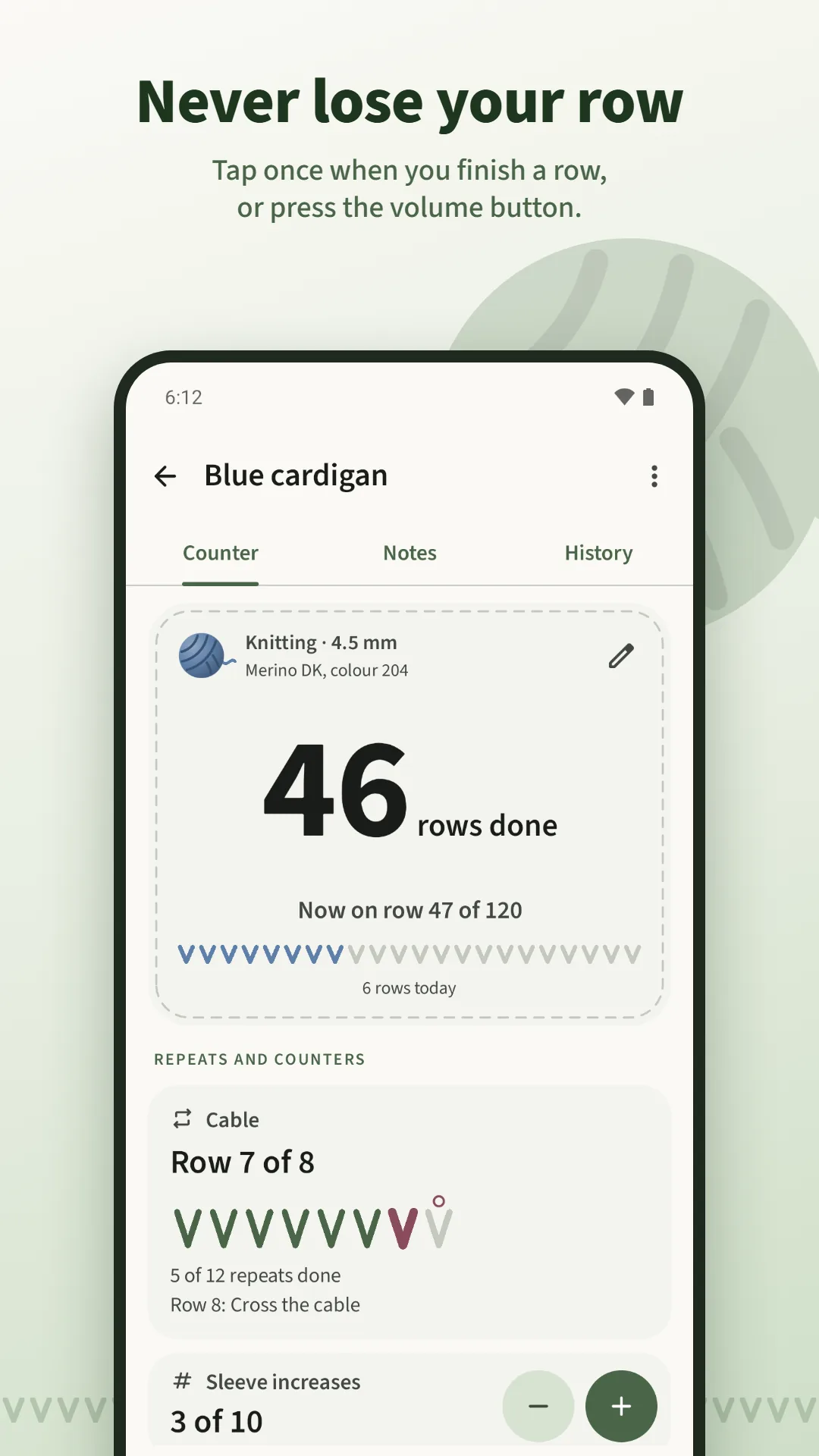
Knitting Row Counter keeps your place in every project. Tap once when you finish a row, or press the volume button so the yarn can stay in both hands, and the app tracks your rows, your pattern repeats and your stitch counts, project by project.
Coming soon to Google Play
- Free
- Android 8.0 and later
- Works offline
- No account
- No data collected
What it does
What Knitting Row Counter does
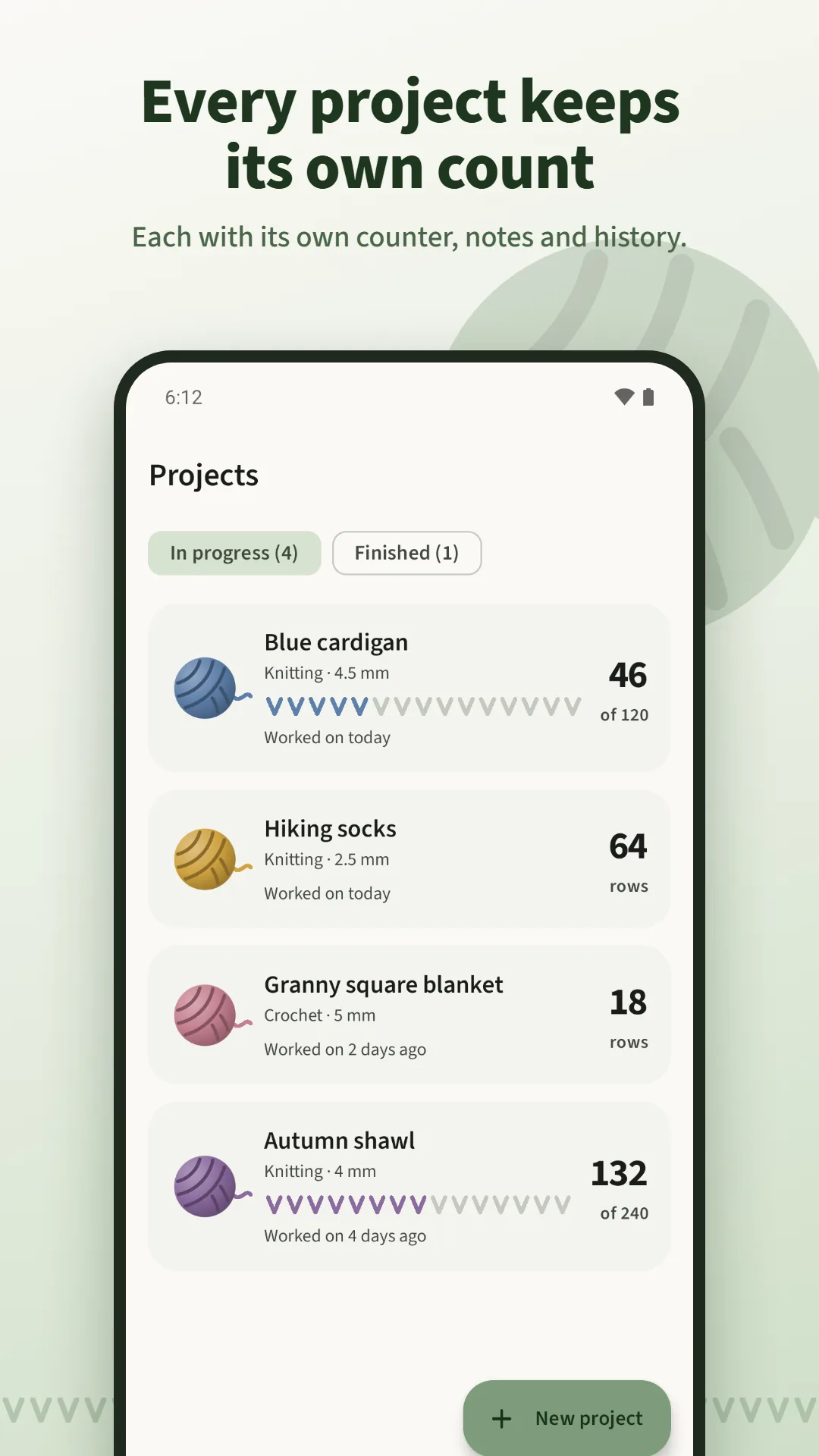
Every project keeps its own count
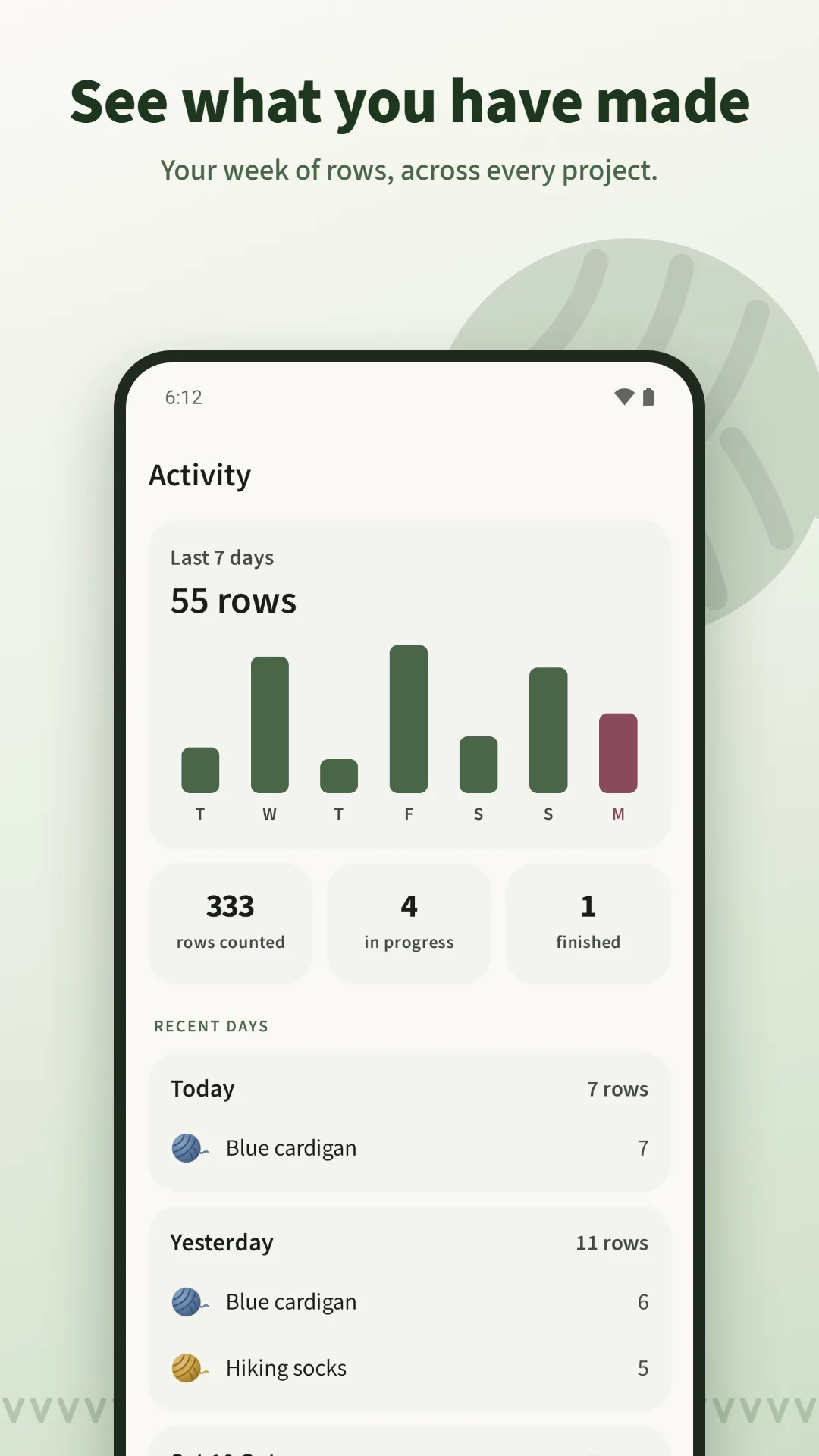
The cardigan, the socks and the blanket each have their own row counter, notes and history. Open the app and you are back on the project you were working on, at the row you left it.
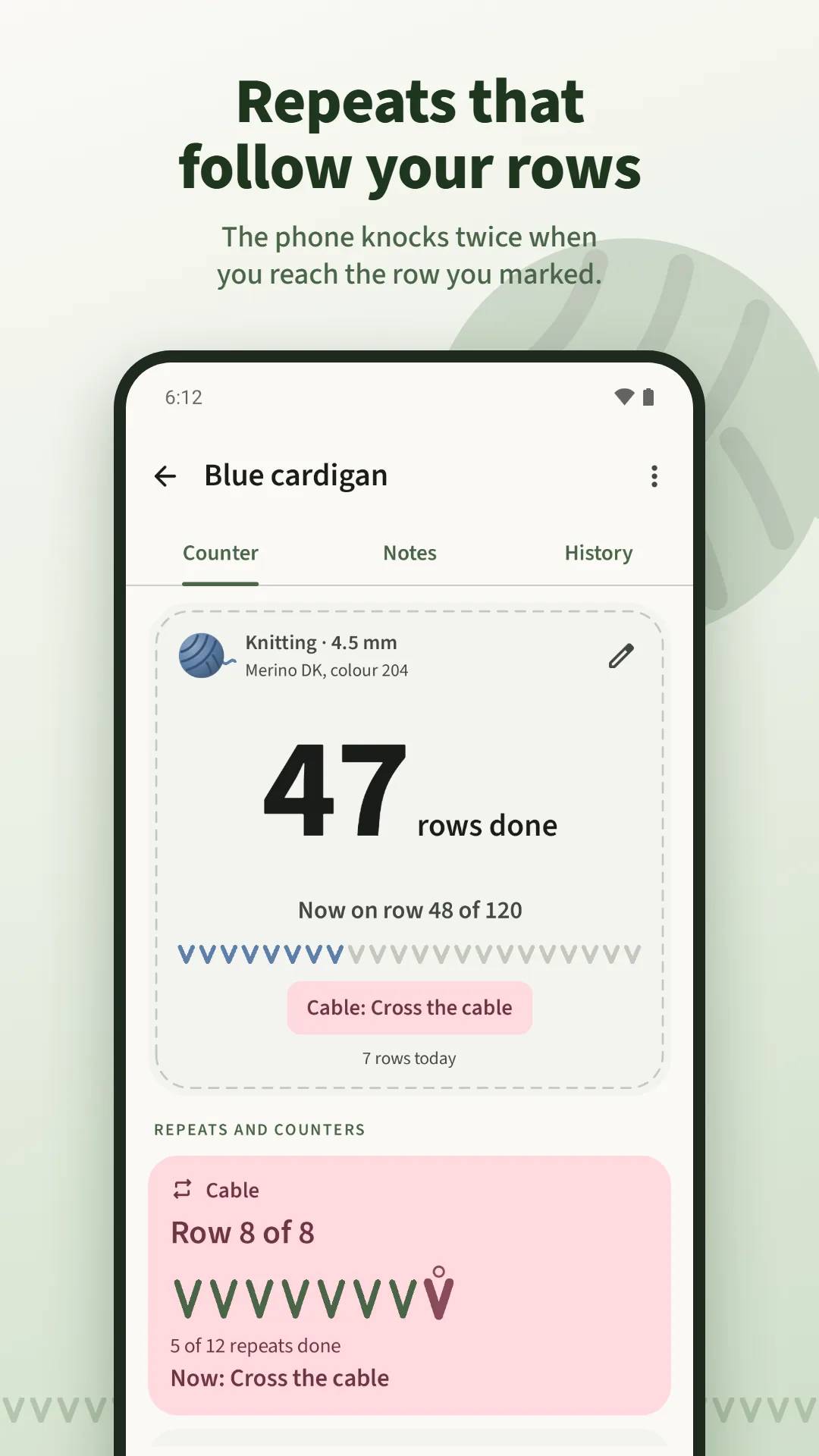
Repeats that follow your rows
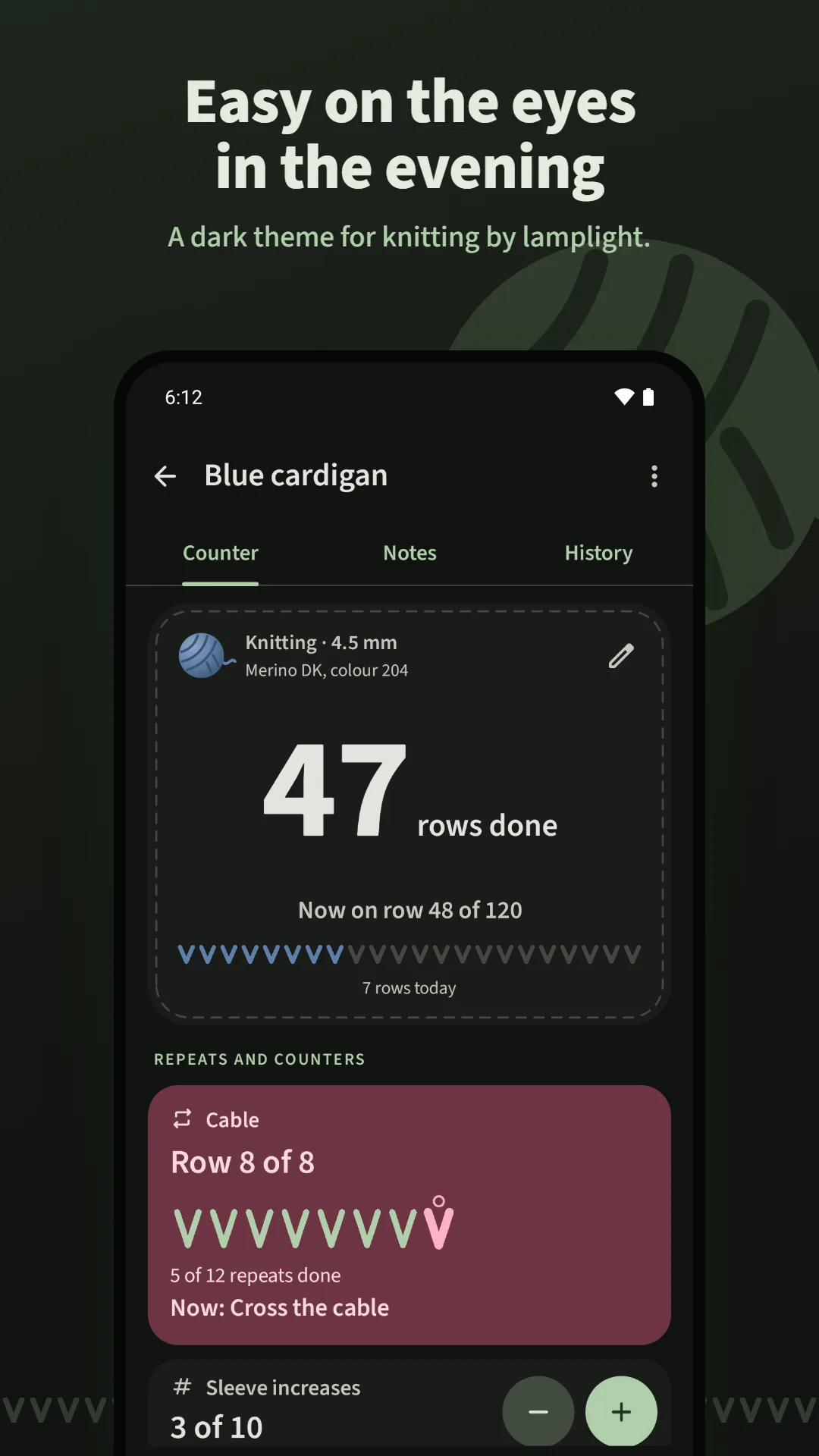
Tell the app your cable is 8 rows long and it shows which row of the repeat you are on, and how many repeats are done, every time you count a row. A repeat is worked out from your row count, so it never drifts out of step, even when you rip back.
A knock on the row that matters
Mark a row of the repeat, such as "cross the cable" or "increase", and the phone knocks twice when you reach it.
A stitch counter beside your rows
Add counters you tap by hand for stitches, increases, decreases or anything else, each with its own plus and minus and an optional target.
Count without looking
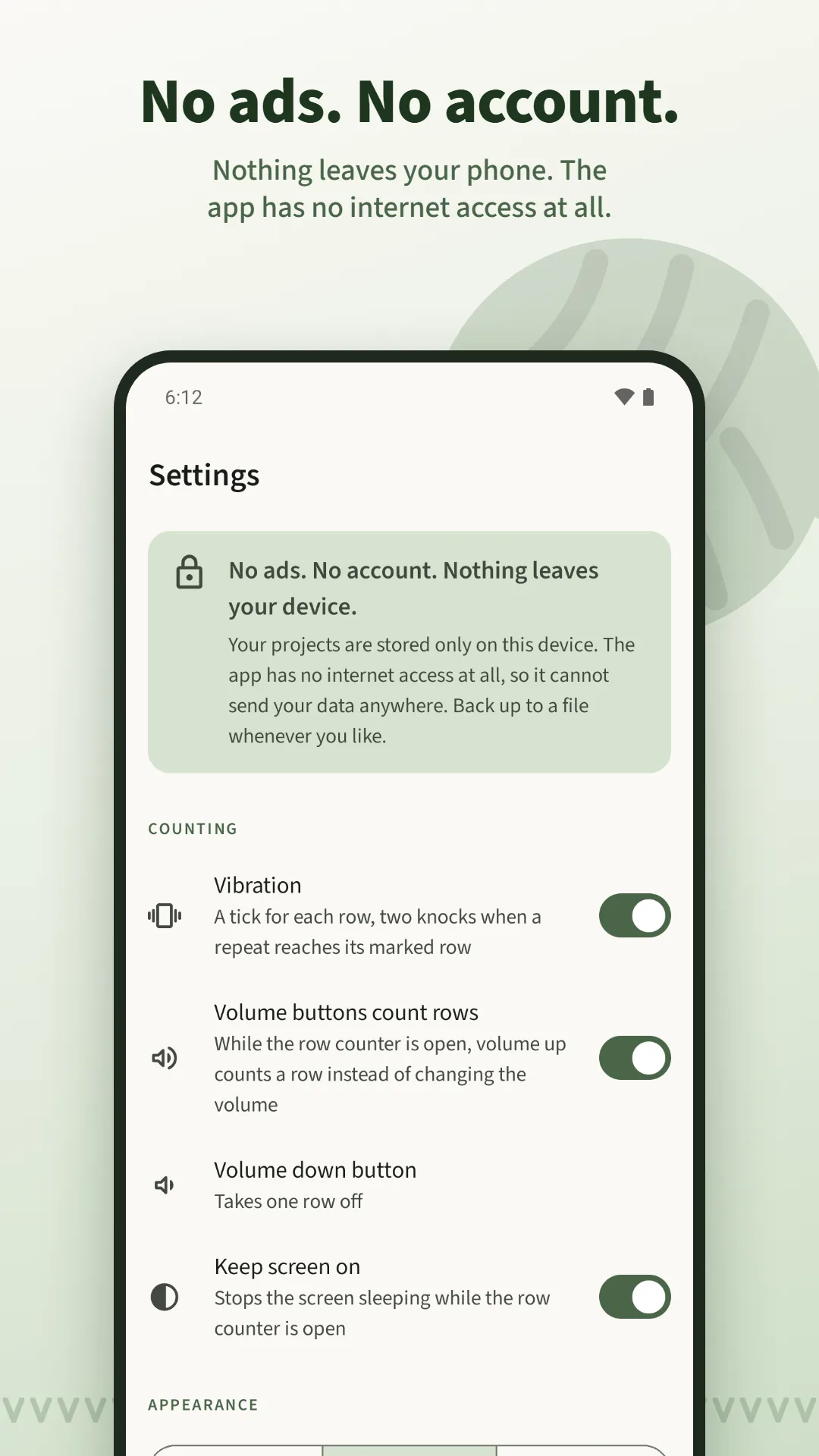
Volume up counts a row and volume down takes one off, so you never have to put your knitting down. On phones, and on tablets that have a vibration motor, a firm tick confirms every row. The screen stays on while the counter is open.
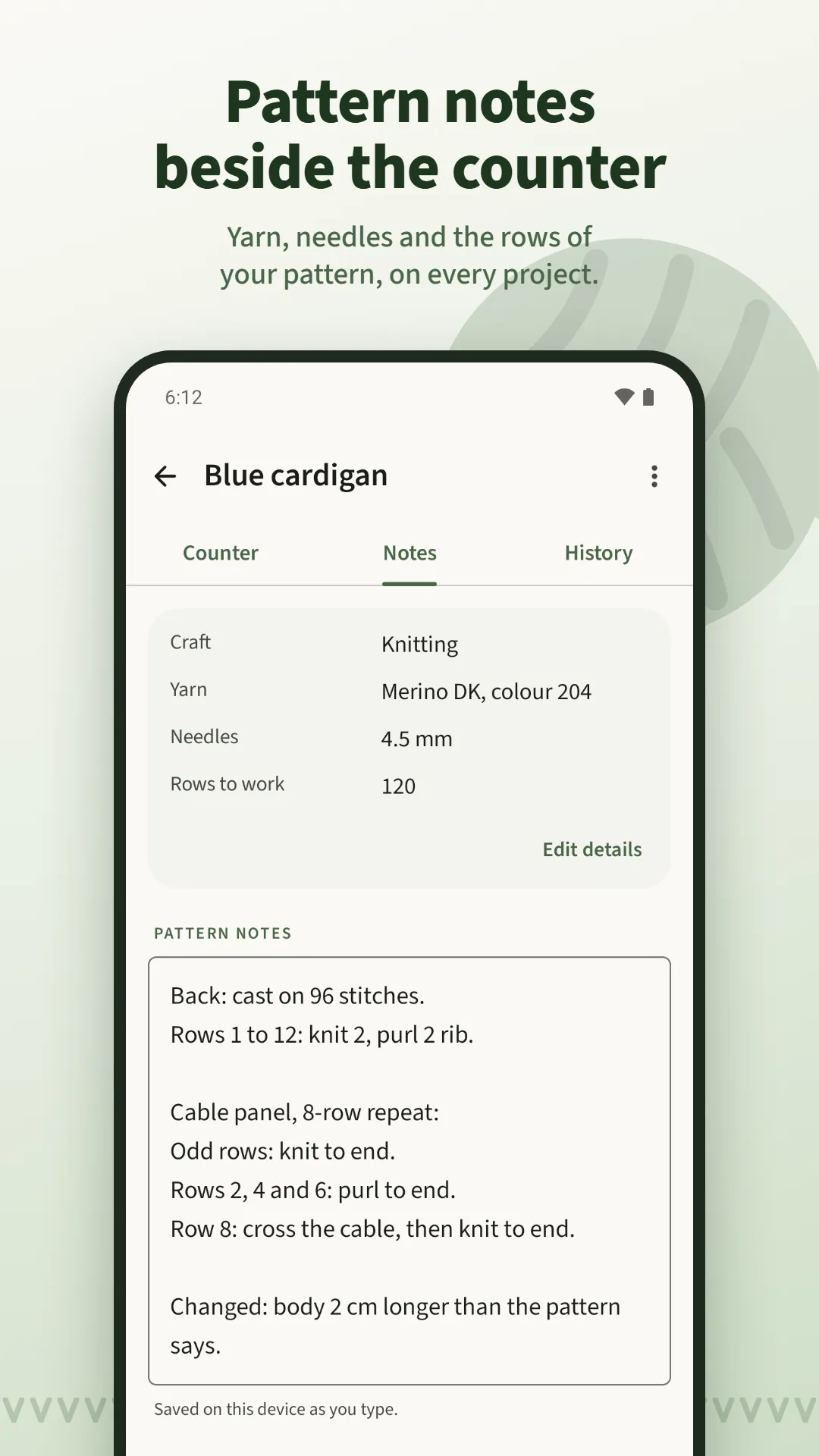
Pattern notes on every project
Paste the rows of your pattern or note what you changed, right beside the counter, with the yarn and the needle or hook size.
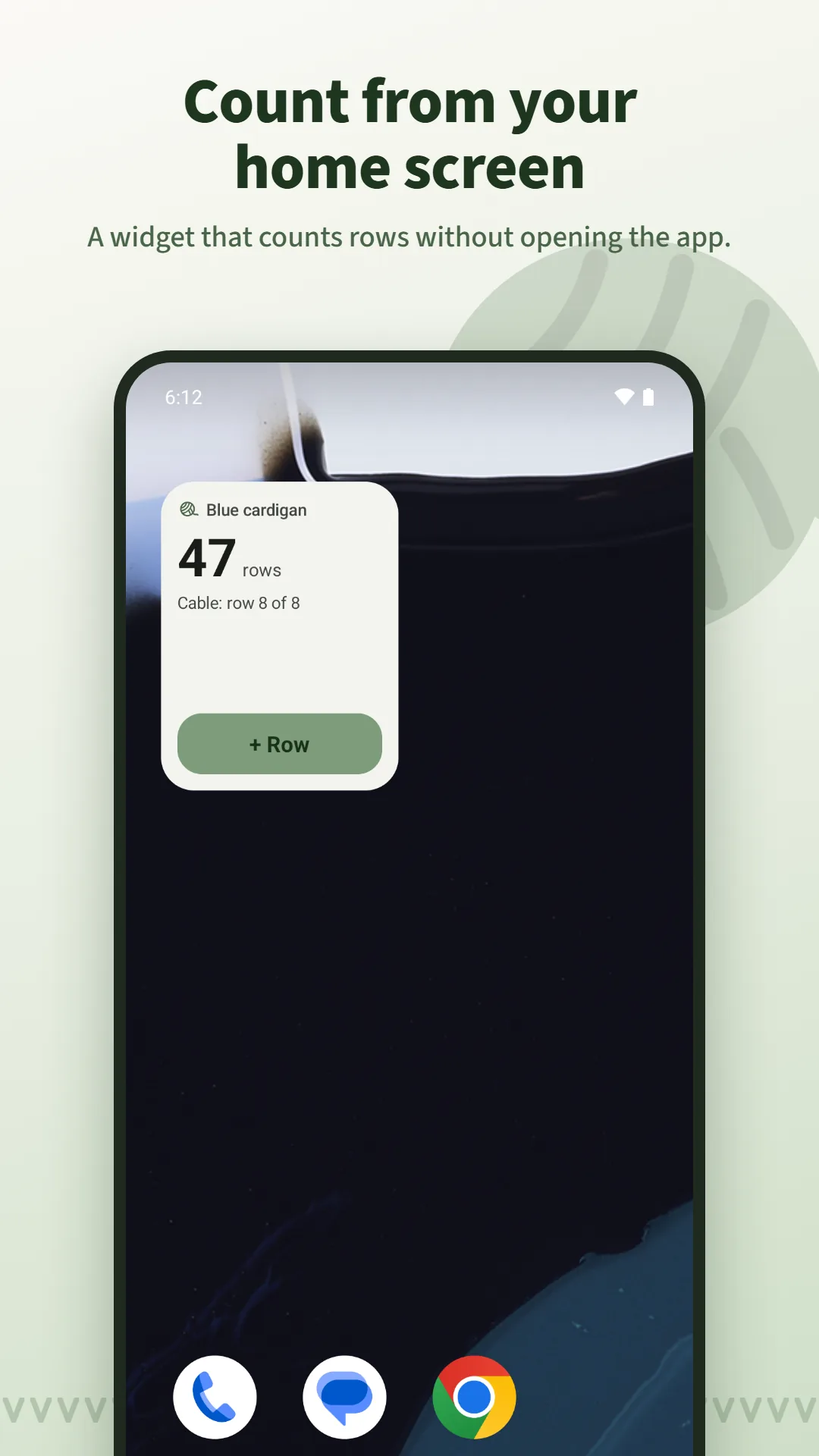
Count from your home screen
Add the widget and count rows on your current project without opening the app.
Your data stays yours
Everything is stored on your phone. Back up to a file, restore it on a new phone, or delete everything in one tap.
Screenshots
A closer look
Privacy
Nothing leaves your phone
Knitting Row Counter has no internet access at all and collects nothing. Your projects, row counts, repeats and counters, pattern notes, yarn and needle details, the days you worked and your settings are stored only on your device.
Read the privacy policy, see how to delete your data, or get help and support.
Questions
Can I count rows without putting my knitting down?
Yes. While the row counter is open, volume up counts a row and volume down takes one off. On a phone you feel a tick for every row.
Can I track more than one project?
As many as you like. Each project has its own row counter, repeats, counters, notes and history, and finished projects are kept apart.
How does it track a pattern repeat?
Add a repeat and say how many rows it has. From then on it shows the row of the repeat you are on and how many repeats are done, worked out from your row count. You can mark one row of the repeat with a note, and the phone knocks twice when you reach it.
Does it work for crochet?
Yes. Choose crochet for a project and note your hook size; the counters work the same way.
Does it work offline?
Always. The app has no internet access at all, so it works the same with or without a connection.
What data does it collect?
None. Your projects, counts and notes stay on your phone. There is no account, no analytics and no ads.
How do I move my projects to a new phone?
Save a backup file from Settings and restore it on the new phone. On Android 12 and later, Android's own phone-to-phone transfer brings them across too.
Is it free?
Yes. Free, with no ads and no account.
Knitting Row Counter is made by Charyx Labs.